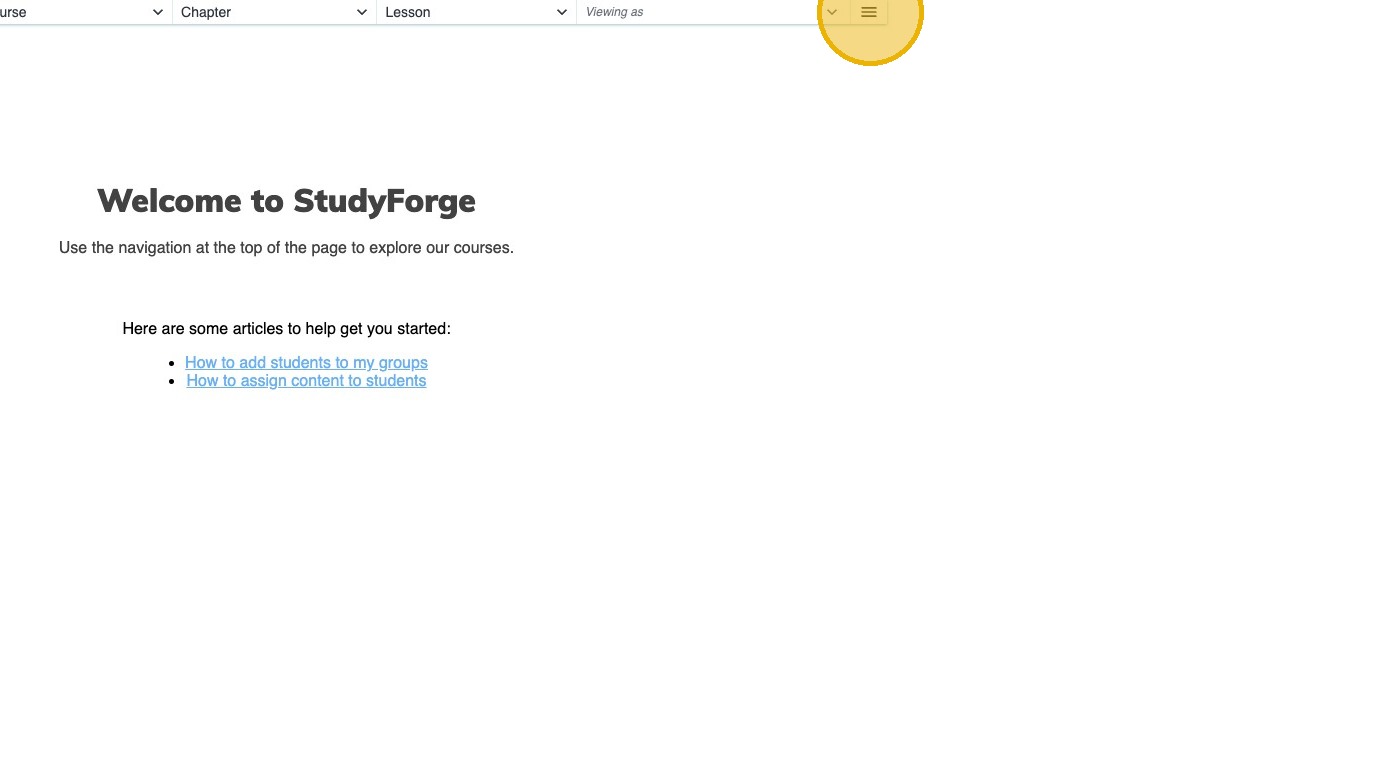
1. Click on a lesson in StudyForge and the click the Hamburger Icon icon
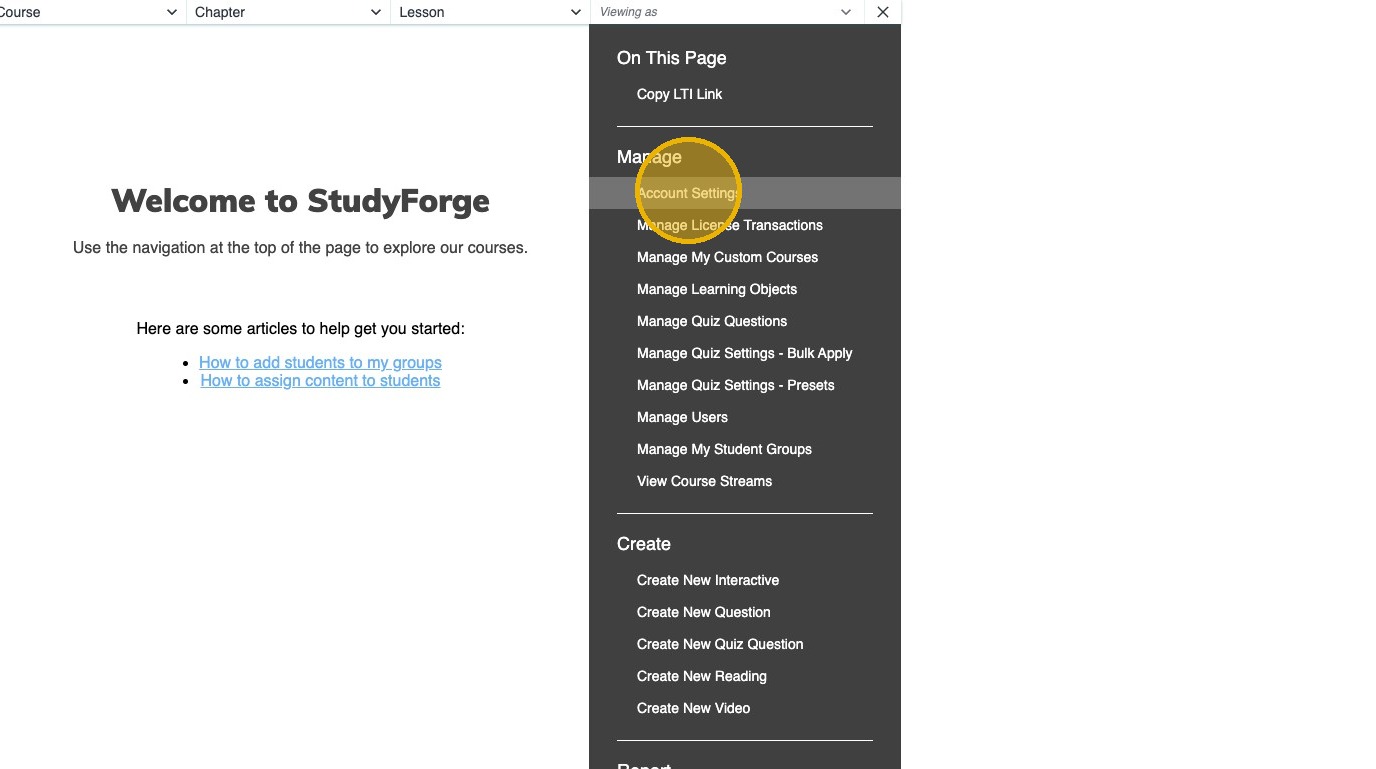
2. Click Account Settings
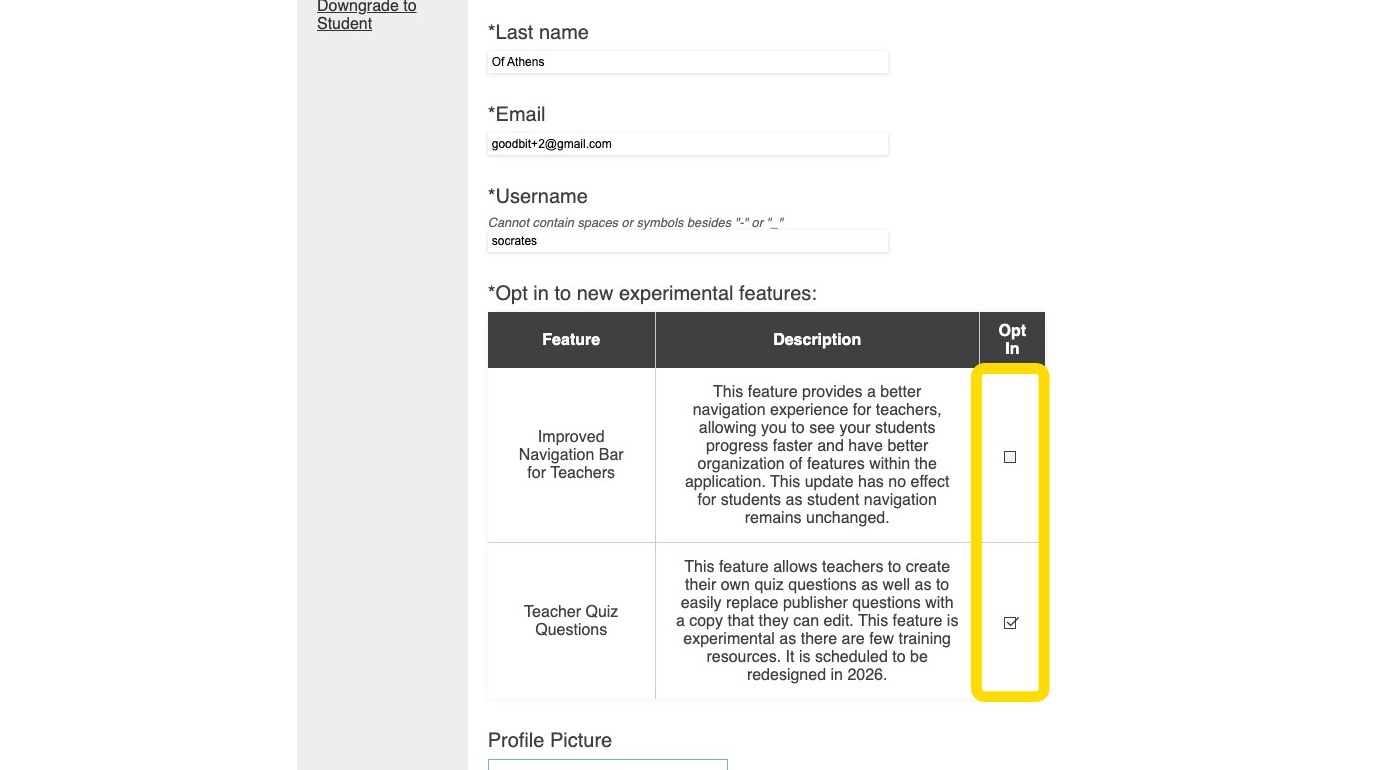
3. In the Opt in to new experimental features section select the features that you would like to opt in or out of.
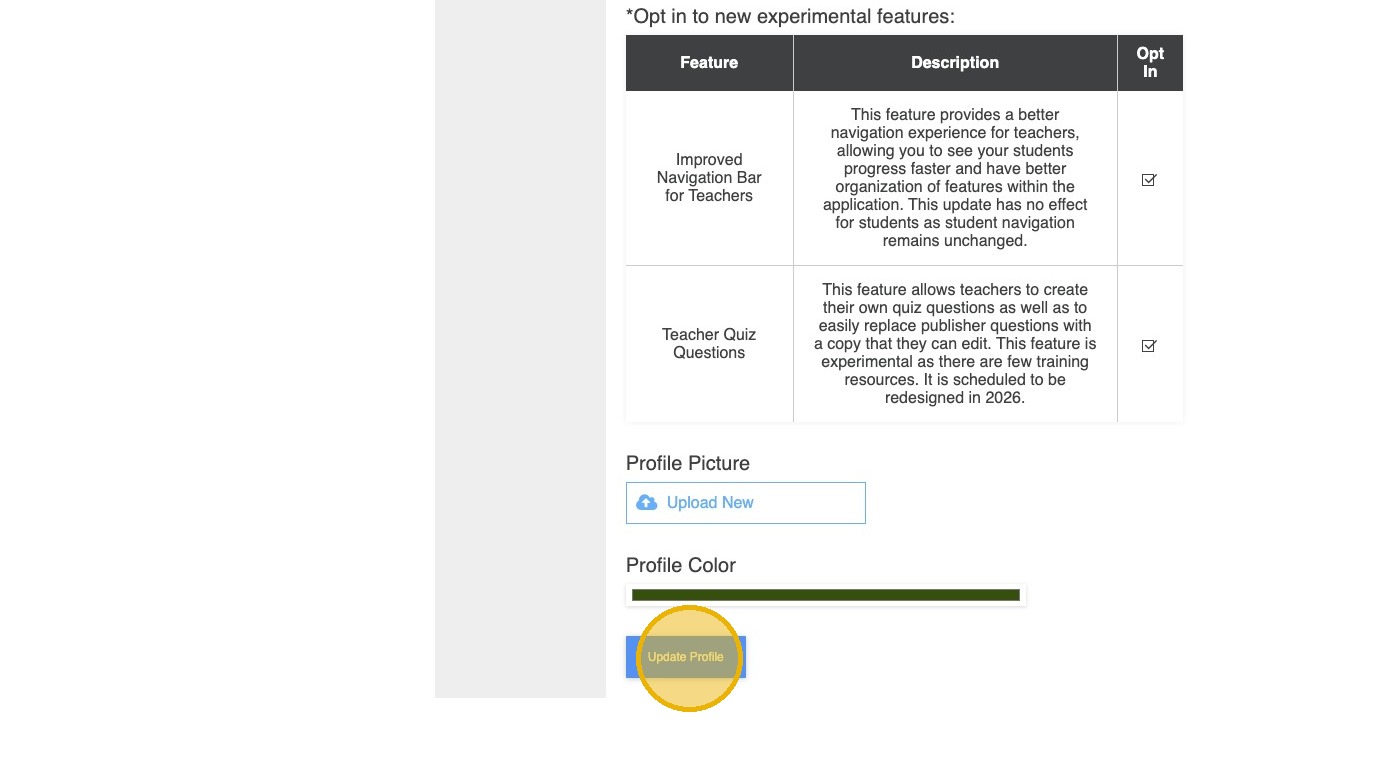
4. Click Update Profile
![Primary.svg]](https://help.studyforge.net/hubfs/Primary.svg)
1. Click on a lesson in StudyForge and the click the Hamburger Icon icon
2. Click Account Settings
3. In the Opt in to new experimental features section select the features that you would like to opt in or out of.
4. Click Update Profile