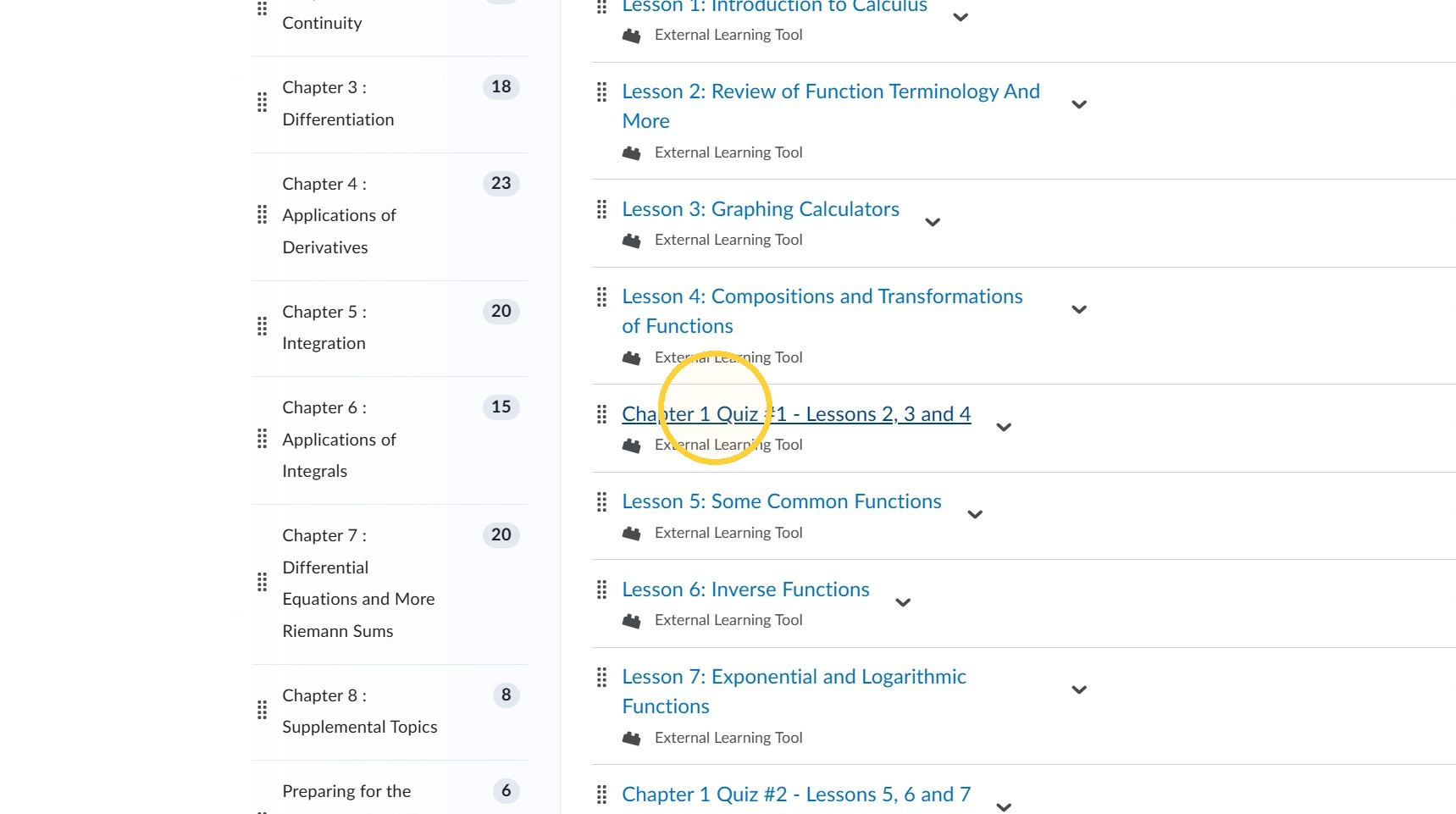
1. From your LMS, click on the quiz you want to edit
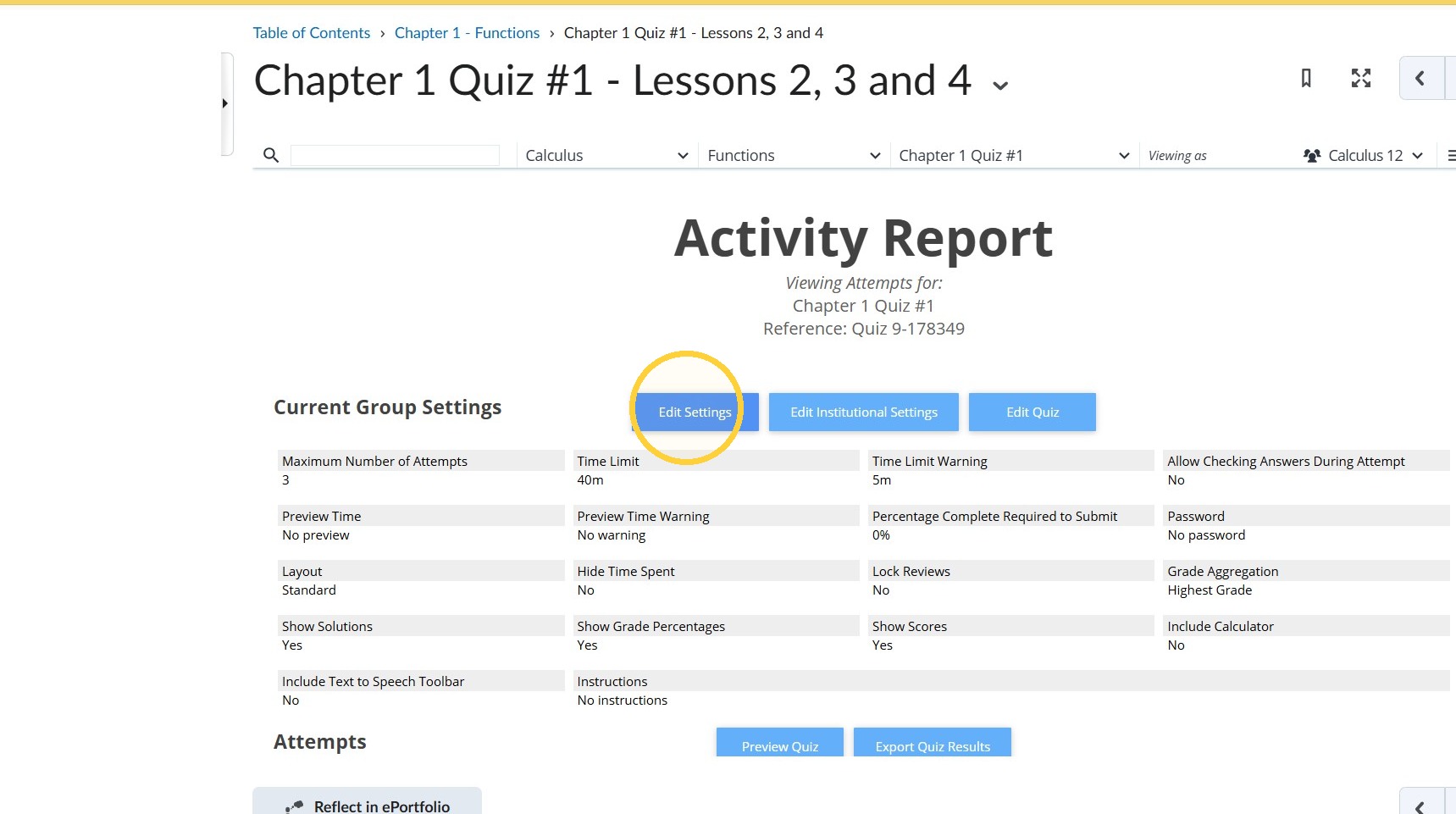
2. In StudyForge, click "Edit Settings"
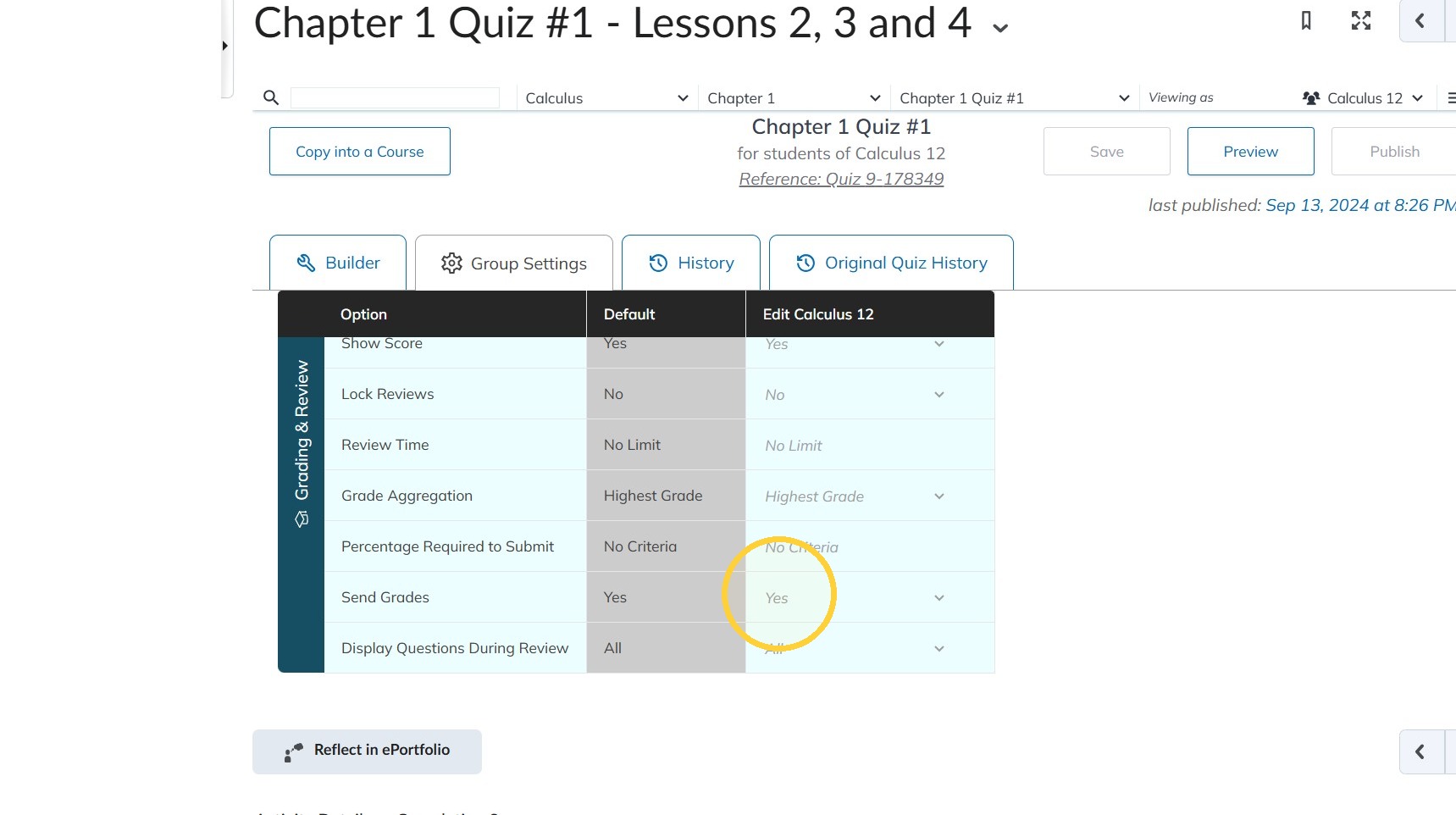
3. From here you can scroll to find the setting and make the necessary edit
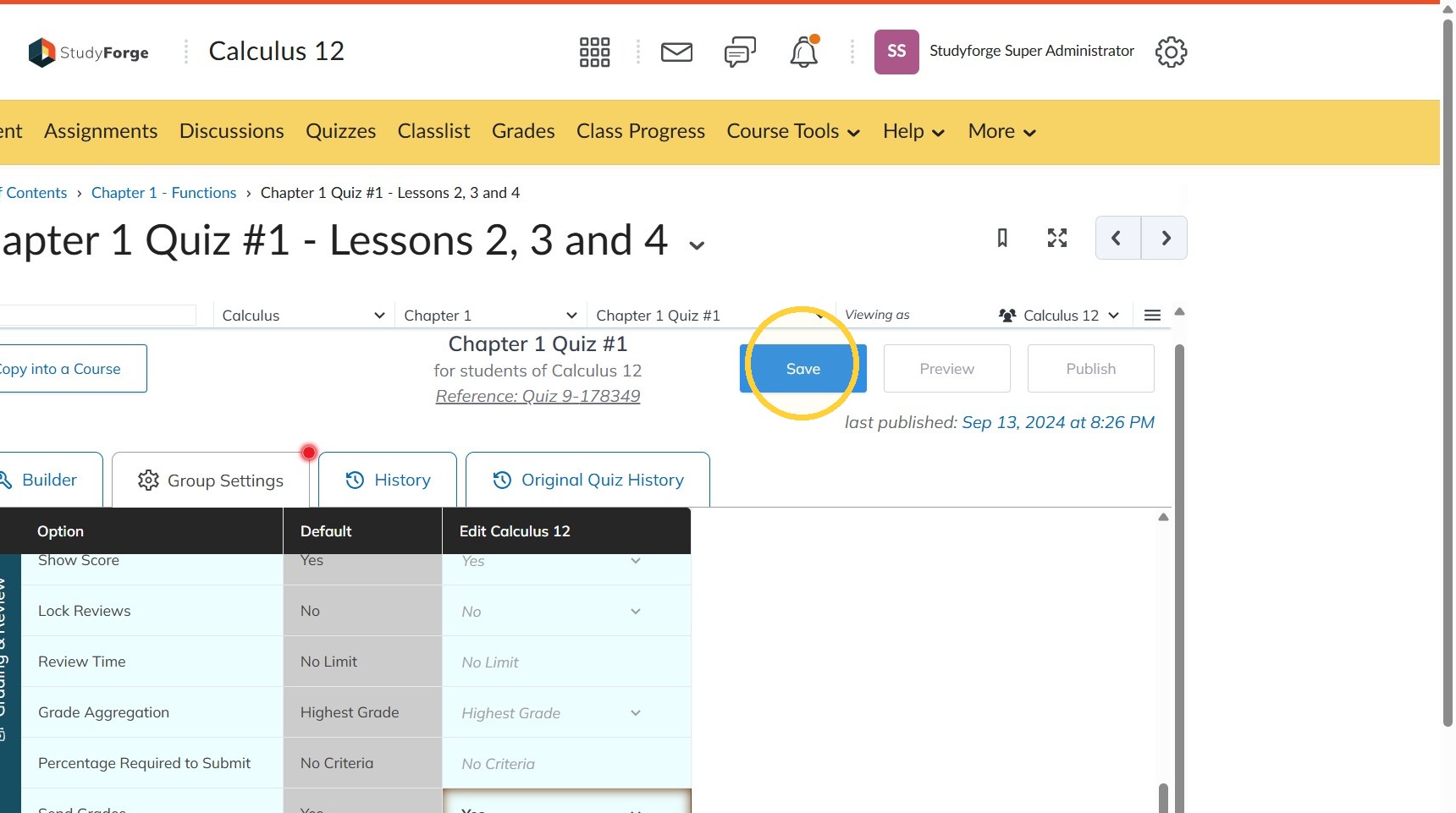
4. Click "Save"
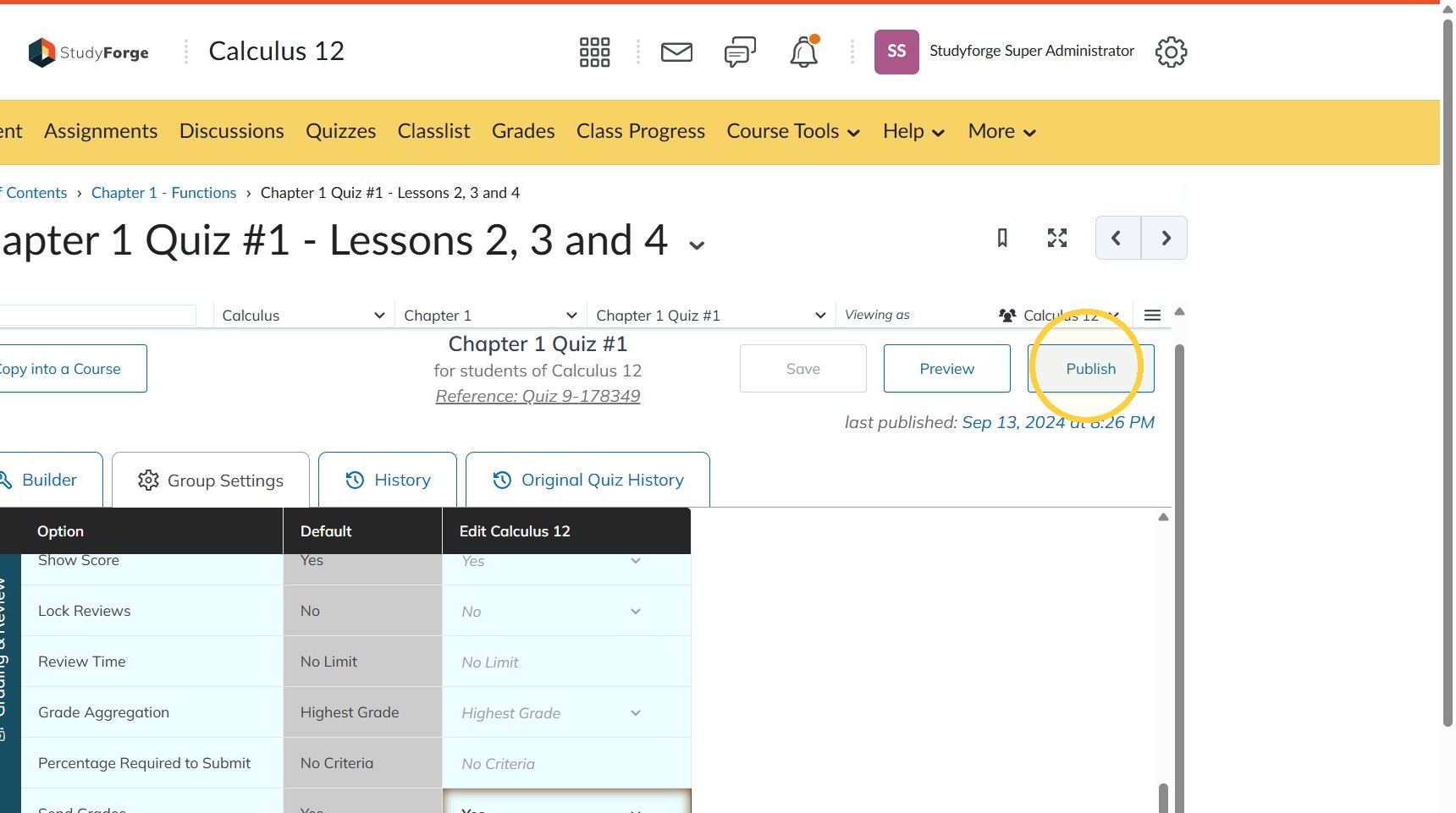
5. Click "Publish"
![Primary.svg]](https://help.studyforge.net/hubfs/Primary.svg)
1. From your LMS, click on the quiz you want to edit
2. In StudyForge, click "Edit Settings"
3. From here you can scroll to find the setting and make the necessary edit
4. Click "Save"
5. Click "Publish"